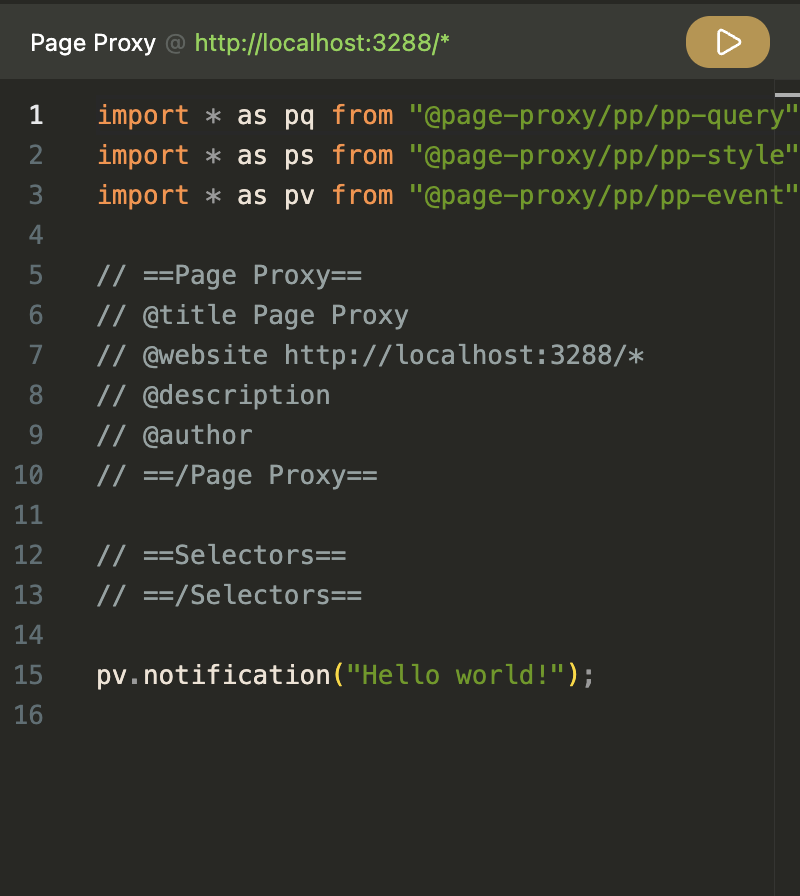
Side panel basics (v0.3.x)
Side panel basics as of v0.3.x. Look at each tool page to learn more!
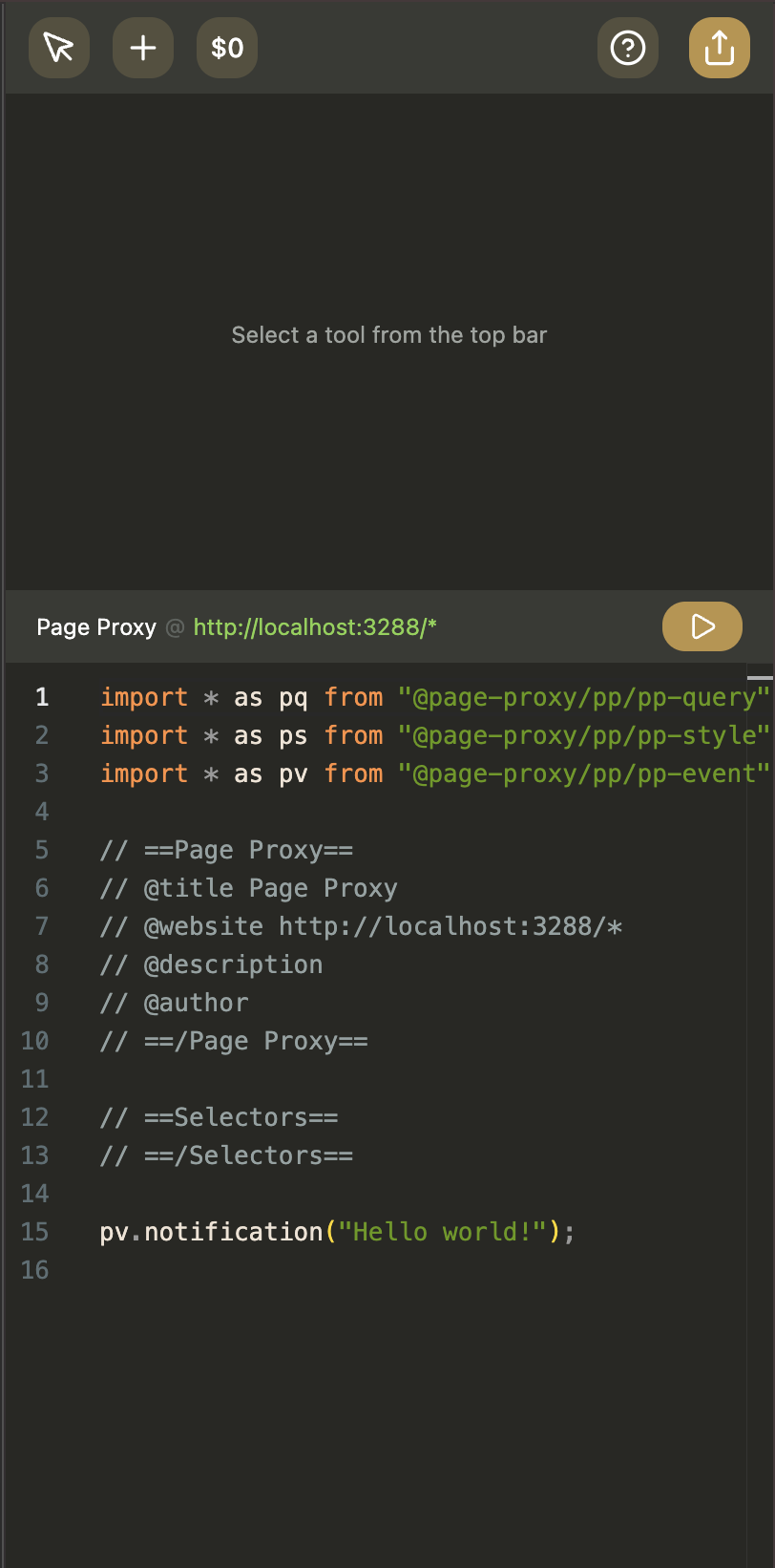
Sidepanel layout and shortcuts
The sidepanel has:
- A code editor panel at the top.
- A tool panel at the bottom.
- A toolbar on the top for switching tools.
Toolbar shortcuts:
Shift + 1: SelectShift + 2: SelectorsShift + 3: RecordShift + 4: HelpShift + 5: Share
Code editor
The editor is where you edit code and run it on the active tab.
What it does:
- Keeps
pa,pn,pq,ps,pt, andpvimports in your script. - Uses a selector definition block:
// ==Selectors==// ==/Selectors==
- Parses script metadata and selector definitions as you edit.
- Autosaves after a short delay when content changes.
- Supports manual save with
Ctrl+S/Cmd+S. - Runs your script with the Run button (play icon).
- Stores state per website/tab context.
On protected pages (for example browser internal pages), editing and execution are disabled and a protected-page message is shown.