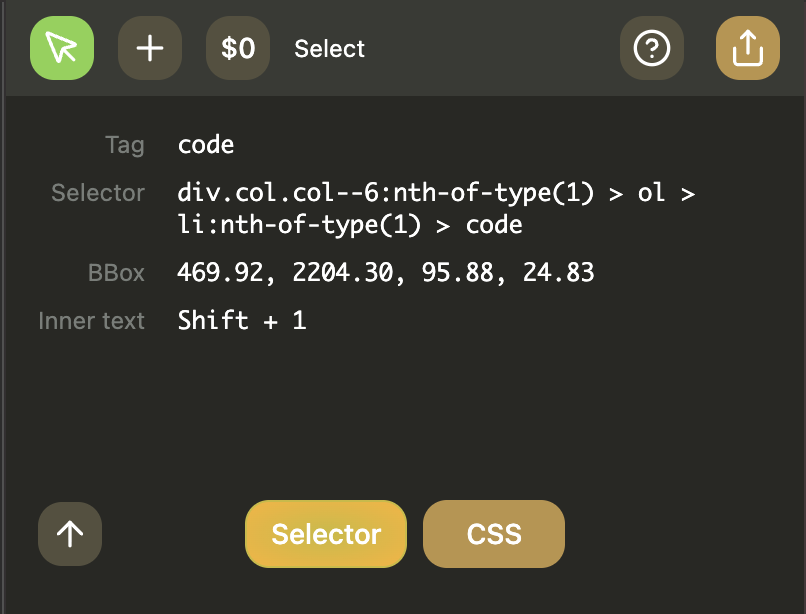
Select tool
Use Select to inspect elements on the current page.
- Activate Select (
Shift + 1). - Click an element on the page.
- Review captured properties in the Select panel.
- Use the parent button (up arrow) to move one level up in the DOM.
- Click Selector to open selector editing, or CSS to open CSS editing.
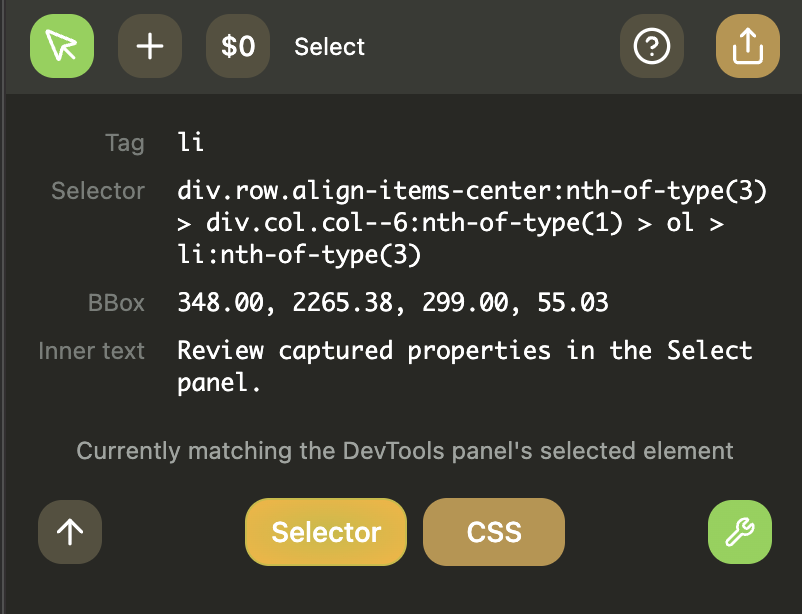
Select tool panel
Includes selected element details, quick property copy, and parent traversal controls.
Selector popup
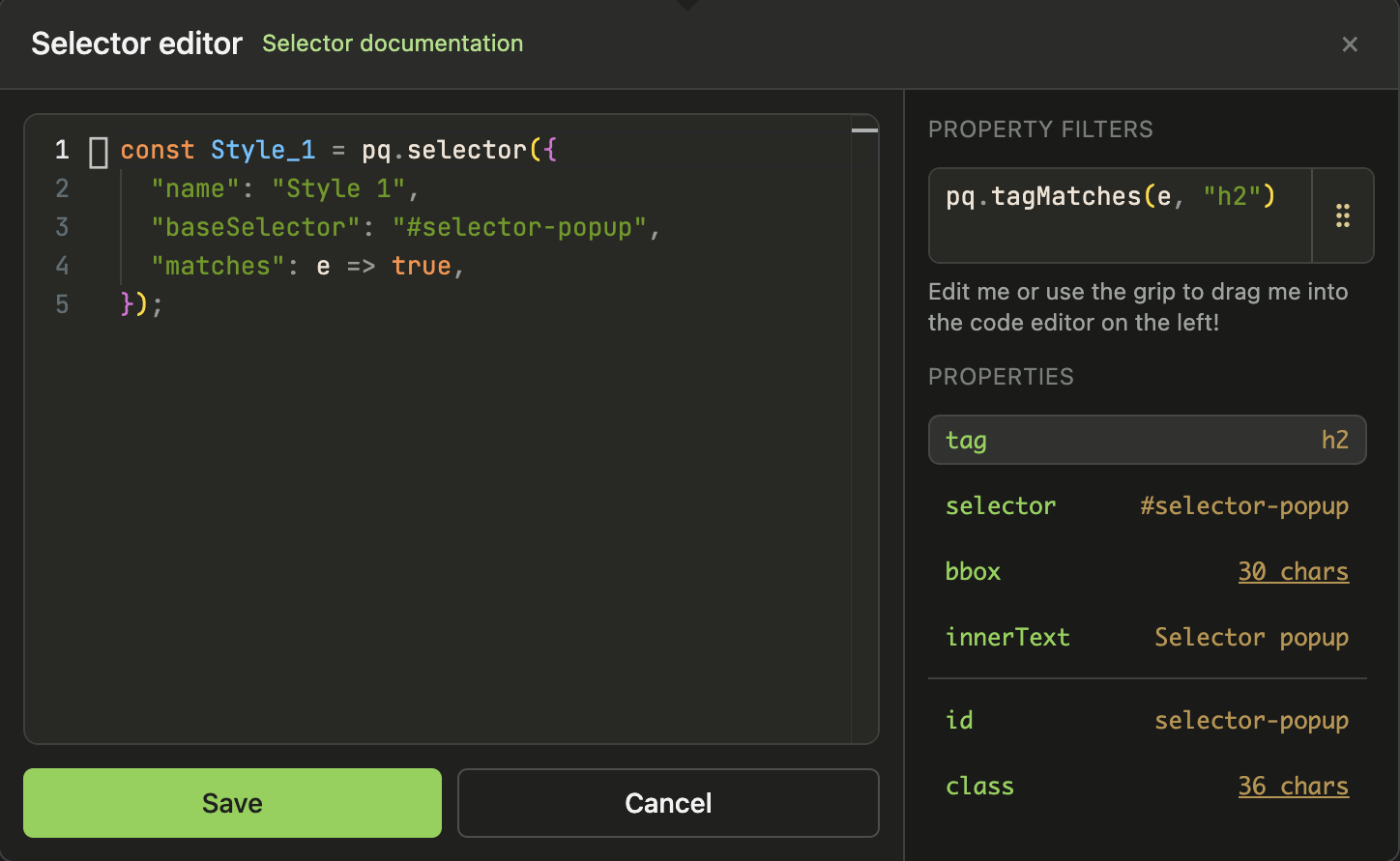
Open from Select -> Selector.
- Edit generated
pq.selector(...)code. - Use the property preview snippets.
- Drag preview fragments into your selector code.
- Save to insert into the Selectors block.
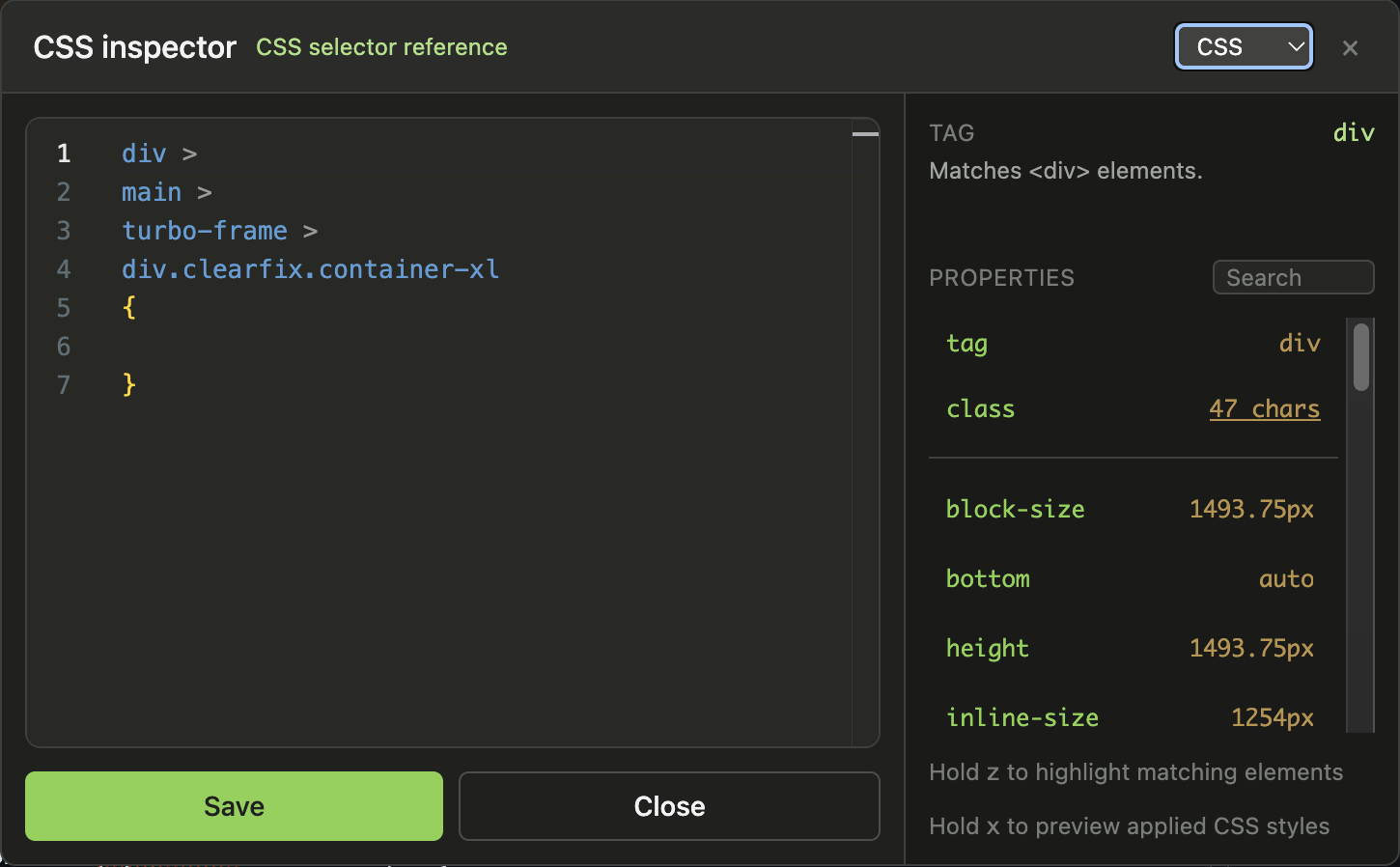
CSS inspector
Open from Select -> CSS (or popup mode switch).
- Edit CSS selector + declarations.
- Inspect and edit computed property values.
- Preview selectors/styles and save a
ps.injectCSS(...)snippet.